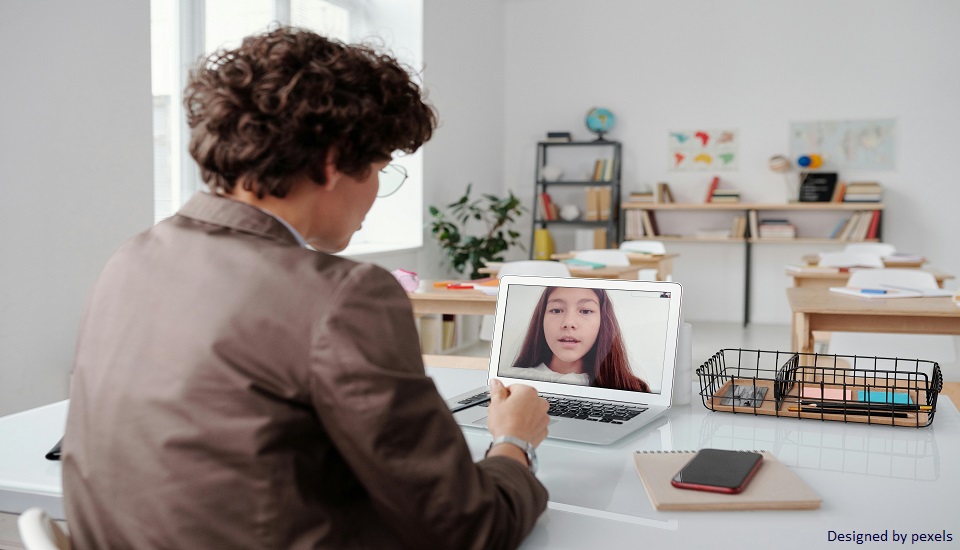
In today’s virtual classrooms, your background speaks before you do. Students instantly form impressions based on what they see behind you, and that visual environment directly affects engagement, credibility, and learning outcomes. Whether you are preparing to teach after completing a TEFL/TESOL course in Bangalore, or simply upgrading your online setup, creating the right background is a professional necessity, not an afterthought.
A well-designed teaching space enhances focus, reduces distractions, and builds trust, all essential elements of effective online English instruction.
Why Your Background Matters in Online Teaching
Online teaching removes physical classroom cues, which means your digital presence must compensate. A strong background:
- Builds authority and professionalism
- Minimizes distractions
- Supports visual learning
- Enhances student engagement
- Creates a structured learning environment
Professional training programs, including a globally accredited online TEFL Certification course, emphasize that online teaching success depends not just on lesson plans, but also on presentation.
5 Best Backgrounds for Online English Teaching
1. The Minimalist Neutral Background
A clean, neutral background is one of the most effective and safest choices for online English teaching. A plain wall in soft tones such as white, beige, light grey, or pastel blue keeps the visual focus entirely on you and your lesson content.
This setup works particularly well for adult learners, business English students, and exam preparation classes. It reduces cognitive overload and ensures that students are not distracted by unnecessary visual elements. A neutral background also improves camera clarity and lighting reflection, making your facial expressions easier to read, which is crucial in language teaching.
If you want a professional, timeless setup that works across all student types, this is often the best starting point.
2. The Professional Teaching Corner
A structured teaching corner creates a warm yet organized virtual classroom environment. This typically includes a tidy desk, a small bookshelf, subtle décor (like a plant), and perhaps one or two framed educational visuals.
The key here is balance. The space should look intentional, not decorative. Students should feel like they are entering a learning zone, not a living room.
This background builds credibility while adding personality. It shows students that you take your teaching seriously while remaining approachable. It works especially well for general English, IELTS preparation, and mixed-age learners.
Consistency is important, try to keep your setup the same in every session, so students associate that background with structured learning.
3. The Interactive Learning Wall (Ideal for Young Learners)
If you teach children, your background can become part of your teaching tool. A carefully arranged learning wall featuring phonics charts, alphabet visuals, number posters, or simple flashcards can significantly boost engagement.
However, structure is essential. Too many visuals can overwhelm students, especially young learners who are easily distracted. Choose 2–3 relevant learning aids and rotate them depending on your lesson theme.
For example:
- Alphabet or phonics charts for beginner learners
- Word families or sight words for primary students
- Simple visual prompts for speaking activities
An interactive wall encourages participation and helps reinforce vocabulary visually — which strengthens retention.
4. The Smart Digital Background
Virtual backgrounds can be effective — but only when used wisely. A high-resolution digital classroom background can create a clean, professional appearance without requiring a physical setup.
However, avoid:
- Busy patterns
- Animated backgrounds
- Bright neon colours
- Low-quality images
Ensure you have proper lighting and a plain surface behind you so the background doesn’t glitch. A subtle digital classroom or office environment works best.
This option is particularly helpful if you travel frequently or don’t have a permanent teaching space. It allows consistency without requiring a dedicated room.
5. The Dedicated Home Office Setup
For full-time online teachers, a dedicated home office is the most professional long-term solution. A well-organized workspace with proper lighting, a stable desk, ergonomic seating, and minimal décor communicates commitment and stability.
This setup works extremely well for:
- Advanced learners
- IELTS and TOEFL preparation
- Business English
- Academic writing classes
A home office background reinforces authority and professionalism. It also improves teaching performance because you are physically in a structured environment designed for focus.
Investing in a proper setup can significantly enhance your teaching confidence and student perception.
Key Technical Tips for Teachers to Enhance Any Background For Online Teaching
No matter which background you choose, the technical setup can make or break your online classroom presence. Even the best-looking background won’t work if the lighting, framing, or positioning is off. Here’s how to enhance any setup professionally.
1. Use Proper Front-Facing Lighting
Lighting is more important than décor. If your face is not clearly visible, students struggle to read facial expressions, which are essential in language teaching.
Best practices:
- Sit facing a natural light source like a window.
- Avoid backlighting (light behind you creates shadows).
- Use a ring light or soft LED lamp positioned in front of you if natural light is limited.
- Ensure lighting is even, not too harsh or too dim.
Good lighting improves video clarity, makes you appear more professional, and keeps students visually engaged.
2. Keep the Camera at Eye Level
Camera positioning directly impacts how confident and professional you appear on screen.
If the camera is:
- Too low → It looks awkward and unprofessional.
- Too high → It creates a distant, disconnected feel.
Ideal setup:
- Place your camera at eye level.
- Look directly into the lens when speaking.
- Keep your head and shoulders centered in the frame.
Eye-level framing creates natural communication and builds a stronger connection with learners.
3. Maintain a Clutter-Free Space
Clutter distracts students and weakens your authority as a teacher. Even small background details can shift attention away from the lesson.
What to remove:
- Random household items
- Laundry or personal objects
- Moving elements (like ceiling fans behind you)
- Bright, busy décor
A clean background improves focus and shows that you value the learning environment.
4. Ensure Stable Internet and Device Positioning
Your background won’t matter if your video freezes or shakes constantly.
Improve stability by:
- Use a wired internet connection if possible.
- Place your device on a stable surface (not your lap).
- Use a tripod or laptop stand to avoid movement.
Stable visuals create a calm learning atmosphere and improve professionalism instantly.
5. Check Framing Before Every Session
Even small adjustments can make a big difference.
Before going live:
- Turn on your camera and check the lighting.
- Ensure your background looks balanced.
- Confirm your head isn’t too close to the top of the frame.
- Remove any accidental distractions that entered the space.
A 30-second pre-class check prevents unnecessary visual issues during the lesson.
6. Dress in Contrast to Your Background
Your clothing should not blend into your background.
For example:
- Avoid wearing white if your wall is white.
- Choose solid colors instead of busy patterns.
- Avoid neon shades that reflect light awkwardly.
Visual contrast helps students focus on you and makes your video look sharper.
7. Test Your Setup on Different Devices
What looks fine on your laptop may look different on a student’s tablet or phone.
Occasionally:
- Record yourself briefly.
- View it on another device.
- Check lighting, sound, and background clarity.
This ensures your setup works across multiple viewing formats.
Final Thoughts
A TESOL course in Bangalore prepares you for effective language instruction, but your on-screen presence completes the professional package.
Whether you choose a minimalist wall, an interactive learning corner, or a dedicated home office, the key is intentional design. The right background strengthens credibility, increases engagement, and transforms your online English teaching into a truly professional experience.
Frequently Asked Questions (FAQs)
1. What is the best background for online English teaching?
A clean, neutral, and well-lit background works best for maintaining focus and professionalism.
2. Are virtual backgrounds good for online teaching?
Yes, if they are high quality, simple, and distraction-free.
3. Do students care about the teacher’s background?
Yes. A professional setup builds trust and improves student engagement.
4. How can I improve my online teaching environment?
Ensure good lighting, minimal clutter, and proper camera positioning.
5. Does certification training help with online teaching presentations?
Yes. Professional programs emphasize classroom presence, digital etiquette, and presentation standards.
Written By : Sanjana